Live TV · Free Forever
Watch Your Playlists. Live. Free IPTV App for iPhone & iPad.
Thousands of live channels from every corner of the planet. Your playlists, your providers, one app.
Free · iOS 17+ · No account needed to get started
Thousands of live channels from every corner of the planet. Your playlists, your providers, one app.
Free · iOS 17+ · No account needed to get started
“…completely free of annoying ads or invasive tracking. The native integration with iOS features like AirPlay, Picture-in-Picture, and Spotlight search makes streaming an absolute joy.”
“…this one actually feels well thought out. It's fast, simple, and doesn't overwhelm you with settings. EPG worked better than expected and video playback has been stable for me.”
“The app runs smoother than some of the bigger IPTV apps I've used.”
“The interface is clean and easy to use, and streaming quality is very good.”
Paste your M3U link or Xtream login and we'll check every channel for you. Free, nothing saved. Then watch what's alive in PixelPlay.
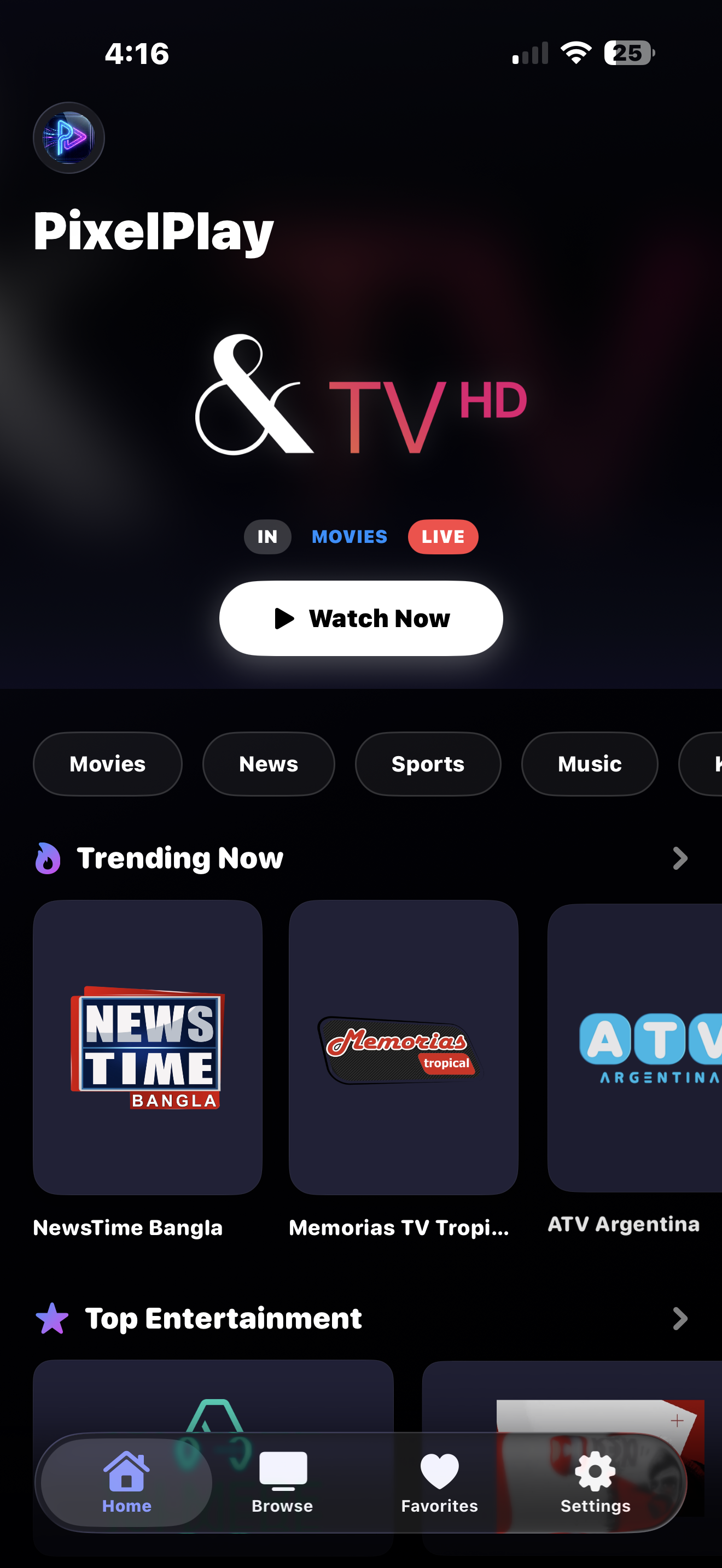
PixelPlay's core is free forever, with no subscription and no ads. Bring your own sources or browse thousands of public channels instantly.
Smooth, buffer-aware streaming. M3U, Xtream Codes, and the public catalog all work out of the box.
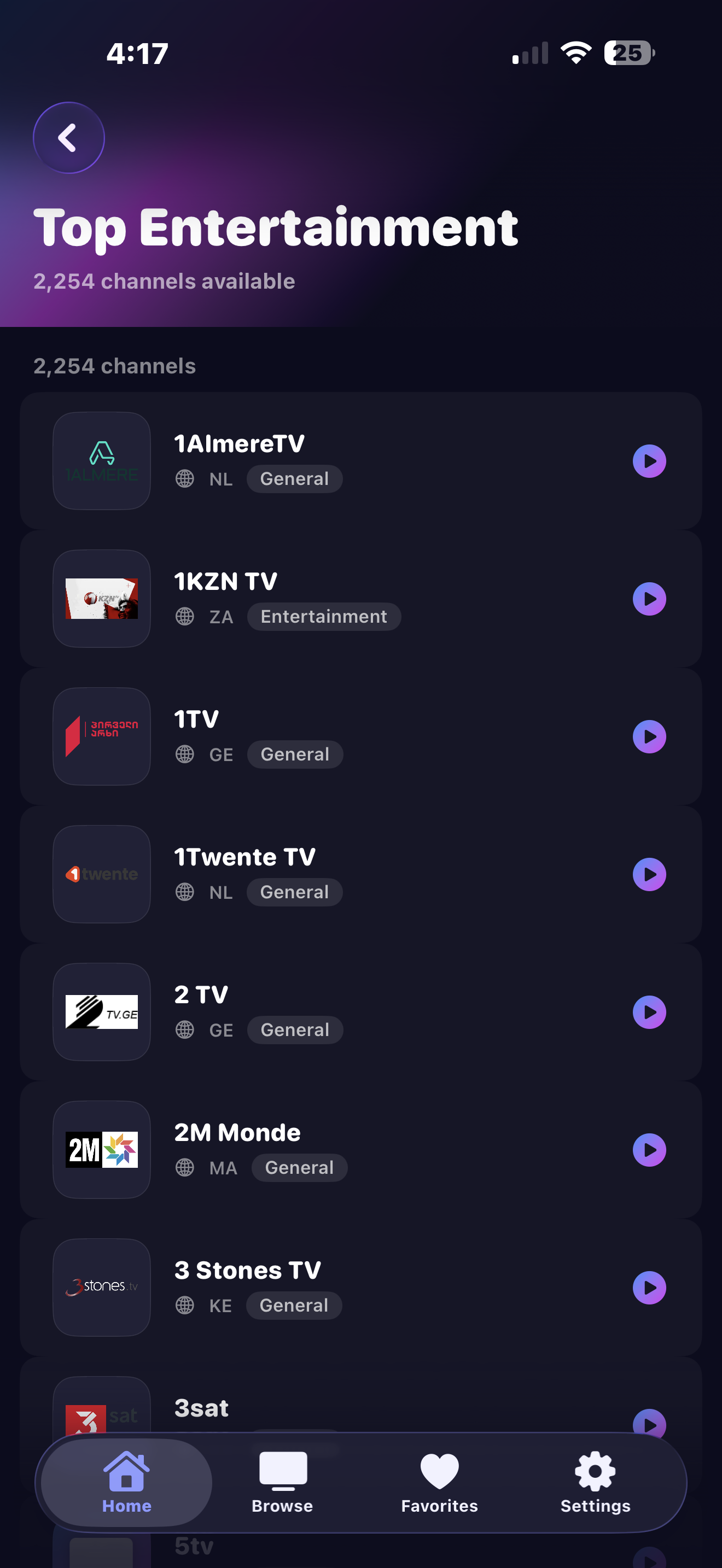
Instant access to 8,000+ free legal channels from 150+ countries. No sign-up, no configuration needed. Smart detection flags channels that are likely offline before you tap play.
Save your go-to channels and find them instantly via Spotlight search right from your iOS home screen. They sync automatically across your devices. Sign in to also sync your locked channels and categories.
See what's on now and next. Built-in program guide keeps you in the loop without leaving the app.
Connect your M3U playlist URL, a local file, or your Xtream Codes provider. One source is always free.
Stream to Apple TV via AirPlay, or to Chromecast and Google TV via Google Cast. Both are completely free, no Pro required.
Sidebar tab bar on iPadOS 18+, adaptive channel grid that scales with your screen, EPG that shows ~4 hours of timeline at a glance, and a larger mini-player. Stage Manager and Split View safe.
Connect a Magic Keyboard and drive the app without touching the screen. ⌘1–5 switches tabs, ⌘F focuses search, Space plays/pauses, arrows change channels, Esc minimizes the player.
Optimized for one-handed use. Fast switching, gesture-first controls, and edge-to-edge video on every iPhone size.
Home Screen
Browse Channels
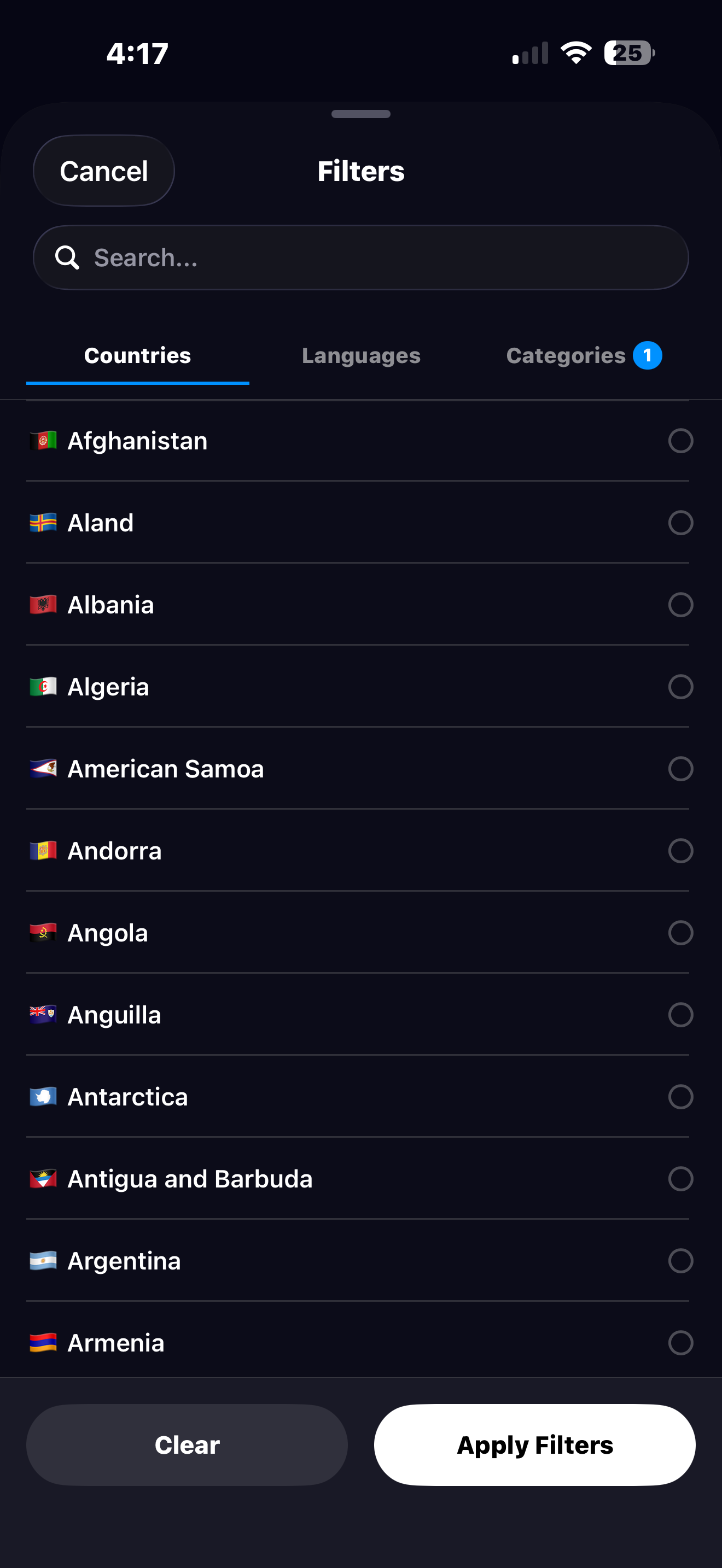
Filter by Country, Language & Category
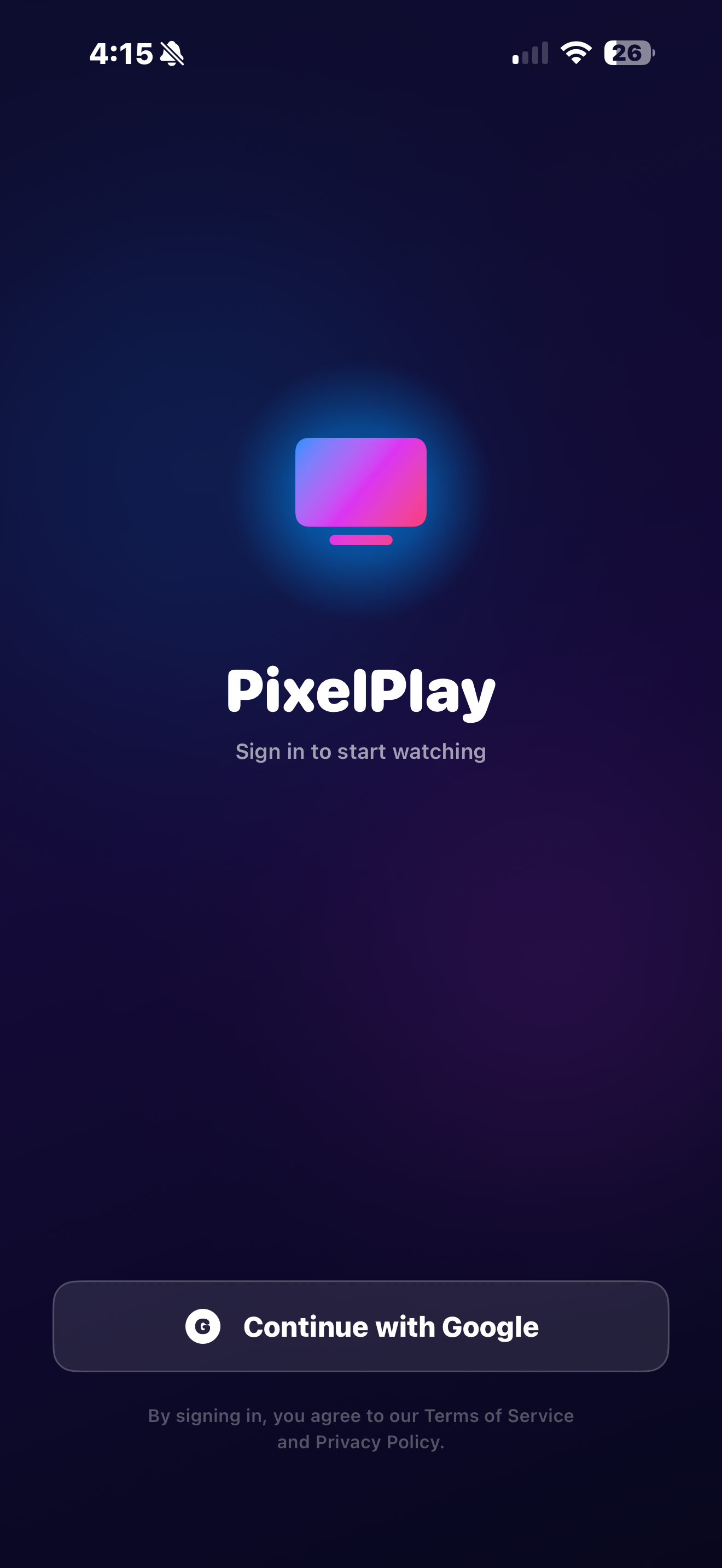
Sign In to Sync
Sidebar tab bar. Adaptive channel grid. A wider EPG timeline showing ~4 hours at a glance. Multi-View 2×2. Hardware-keyboard shortcuts. PixelPlay is iPad-native from the ground up.
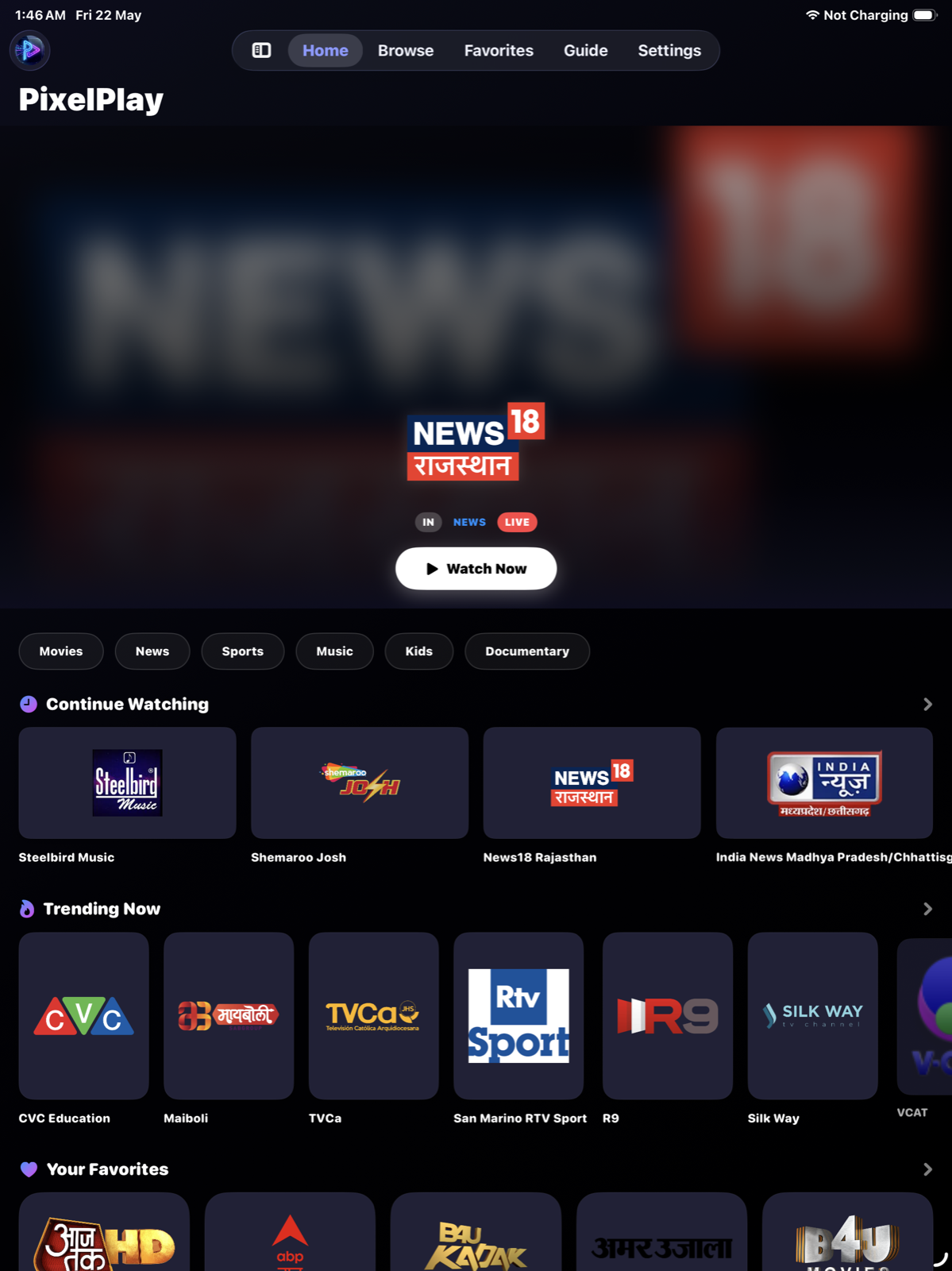
Home Screen
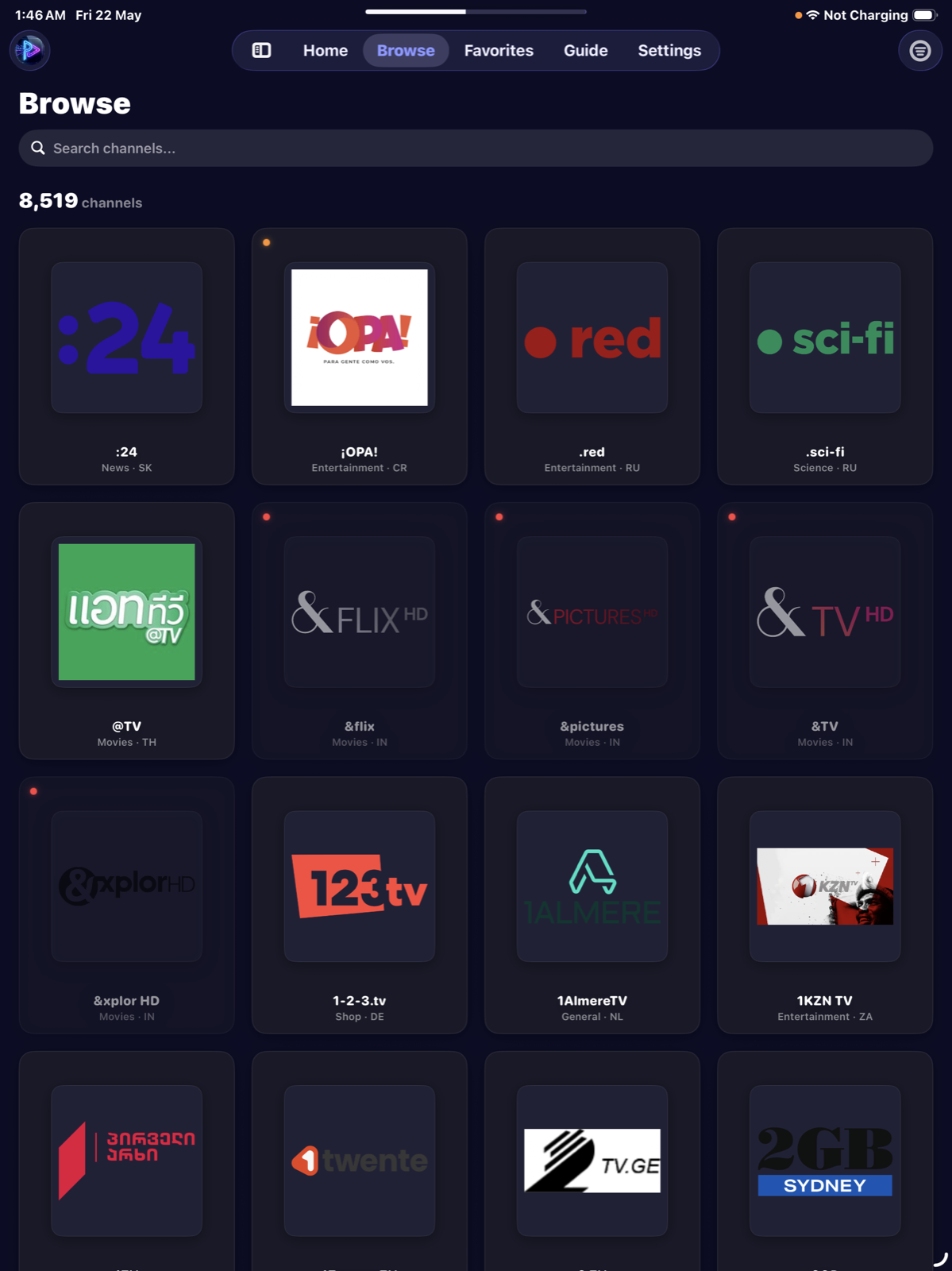
Browse Channels
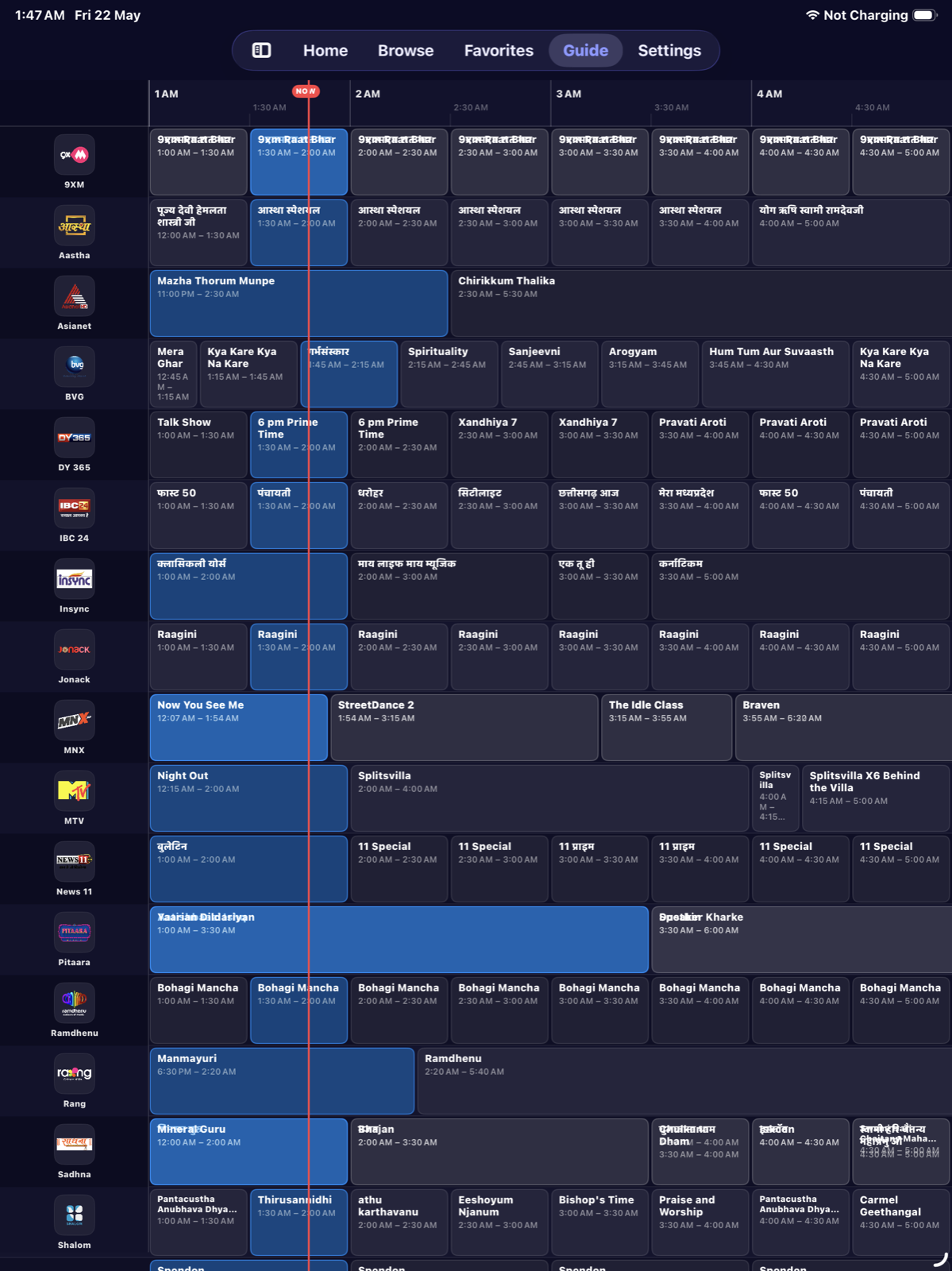
TV Guide
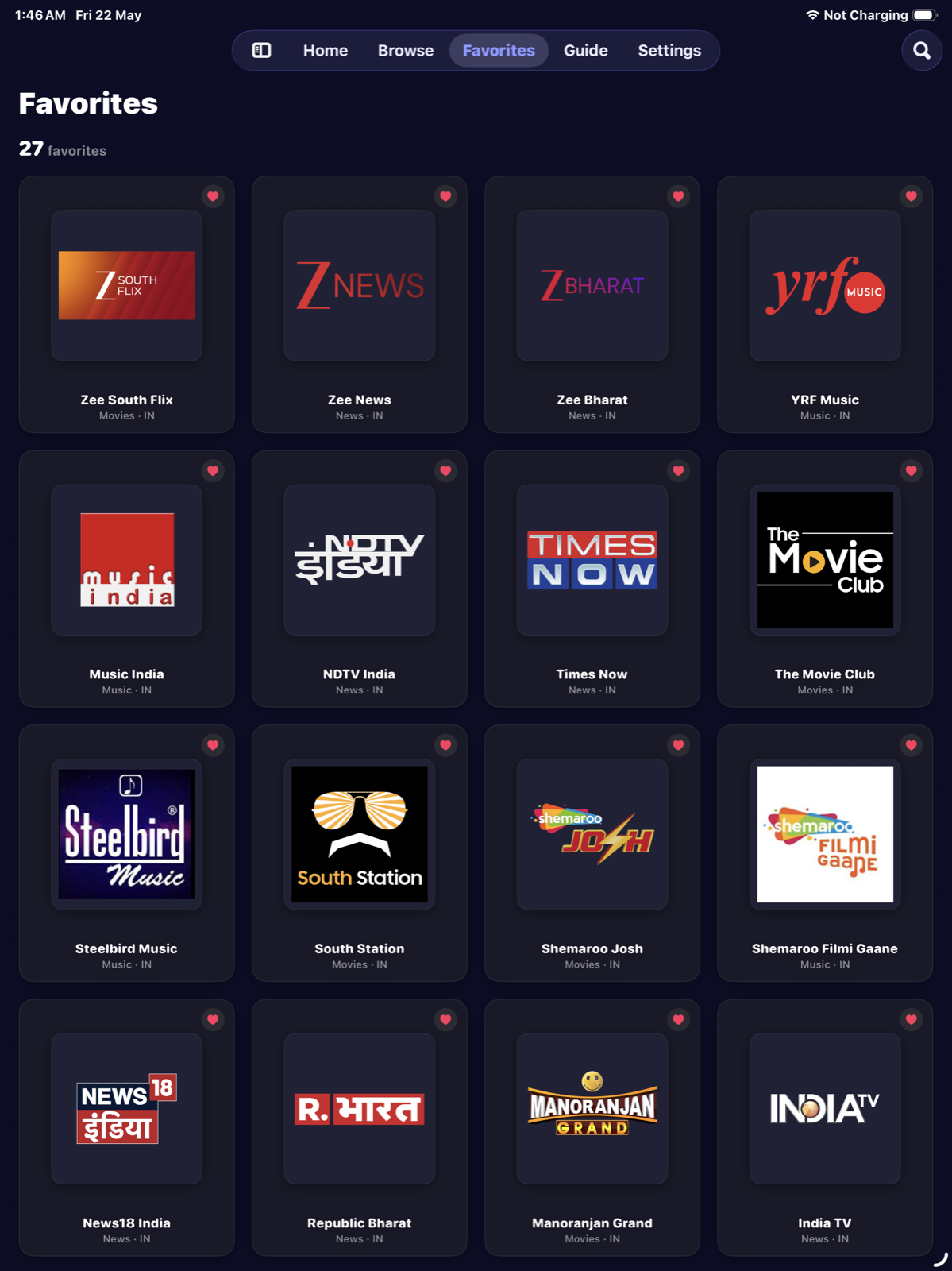
Favorites
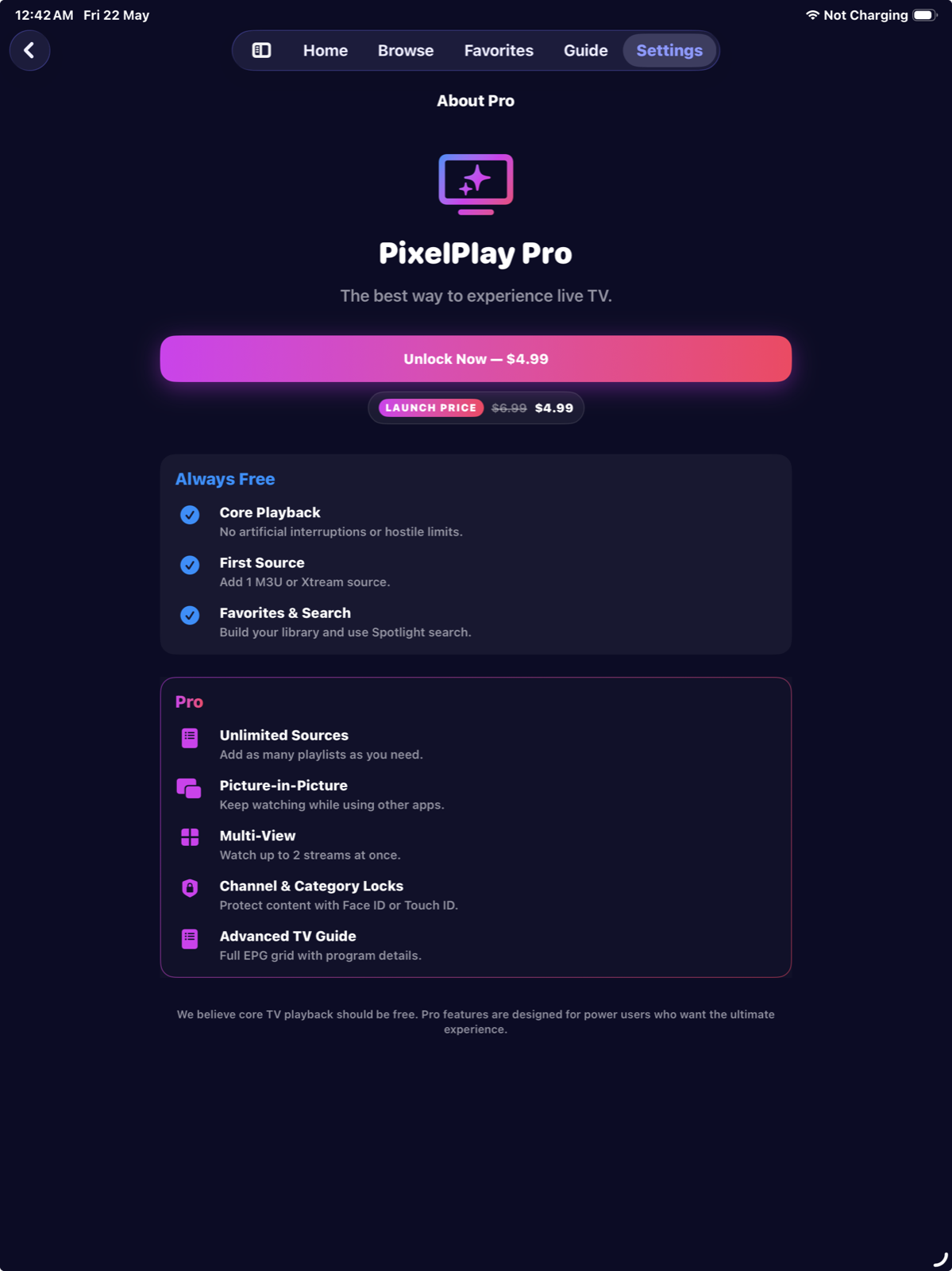
PixelPlay Pro
One payment. No subscription. Yours forever, including all future updates.
Increases to $14.99 when the Apple TV app ships
One-time purchase
No recurring charges
| Feature | Free | Pro |
|---|---|---|
| Live TV Playback | ||
| Public Channel Library (8,000+) | ||
| Favorites & Sync | ||
| TV Guide (EPG) | Basic | Advanced (24h + reminders) |
| Add Your Own Source | 1 | Unlimited |
| AirPlay & Google Cast | ||
| Built for iPad | ||
| Hardware Keyboard | ||
| Picture-in-PictureKeep watching while using other apps. | ||
| Multi-View (2×2)Watch up to 4 live streams at once in a 2×2 grid. | ||
| Channel/Category LocksProtect channels and categories with Face ID or Touch ID. |
Already purchased? Restore anytime, no re-payment needed.
PixelPlay Pro is a single payment, no subscription. If you'd rather buy software once than rent it, browse OneTimePay, a directory of buy-once, subscription-free apps.
Bring any source you already have, or start instantly with the built-in public library. No setup required.
PixelPlay is a free IPTV player for iPhone and iPad that lets you watch live TV from M3U playlists, Xtream Codes providers, and a built-in library of 8,000+ public channels from 150+ countries. Unlike many IPTV apps that lock basic playback behind a subscription, PixelPlay's core is permanently free. A one-time Pro upgrade ($9.99) unlocks Multi-View, Picture-in-Picture, unlimited sources, and Channel Locks, with no recurring charges, ever.
Open the Sources tab and tap the + button. You can add a Remote M3U URL (paste a link from your IPTV provider), import a Local M3U File from your device, or connect an Xtream Codes API account using your portal URL and credentials. PixelPlay parses your playlist and organises channels by category and country automatically.
Yes. PixelPlay has native Xtream Codes API support. Enter your provider's portal URL, username, and password to connect. The app syncs your live channels and keeps them up to date automatically.
Yes. PixelPlay is built natively for iPad, not a scaled-up iPhone app. On iPadOS 18+ you get a sidebar tab bar for one-handed navigation, an adaptive channel grid, a wider EPG timeline showing ~4 hours at a glance, and a larger floating mini-player. Multi-View, Picture-in-Picture, Stage Manager, and Split View are all fully supported.
PixelPlay Pro is a one-time purchase of $9.99, with no subscription, ever. It unlocks: Unlimited IPTV Sources (free tier includes one), Picture-in-Picture so you keep watching while using other apps, Multi-View to watch up to 4 live streams simultaneously in a 2×2 grid on both iPhone and iPad, Channel & Category Locks with Face ID or Touch ID, and the Advanced TV Guide with a full 24-hour EPG scrollable timeline.